
What you will learn
On this pageContentsCloseOpen
If you fulfill Shopify orders out of Amazon's fulfillment centers, there is a date on your calendar that you probably don't know about. In its Shopify user guide, Amazon states that it will deactivate the existing Amazon MCF: US Fulfillment app on September 30, 2026, and asks merchants to move to the newer Amazon MCF and Buy with Prime app.
That is 25 days from today. The old app's Shopify App Store listing, read on September 5, 2026, carries no banner, no sunset notice, and no mention of the replacement — just a rating of 3.9 from 57 reviews and an ordinary Install button. The deadline appears in a section near the bottom of Amazon's user guide, and not on the page where a merchant would install the app.
This article covers what actually changes on migration, the limits of the replacement app that Amazon documents but doesn't advertise, and when a paid connector — Amazon MCF by WebBee or Amazon MCF by ByteStand — is the better answer than the free Amazon-built one.
Two Amazon apps, two Shopify locations
The confusing part of this migration is that both apps are published by Amazon, under two different partner profiles.
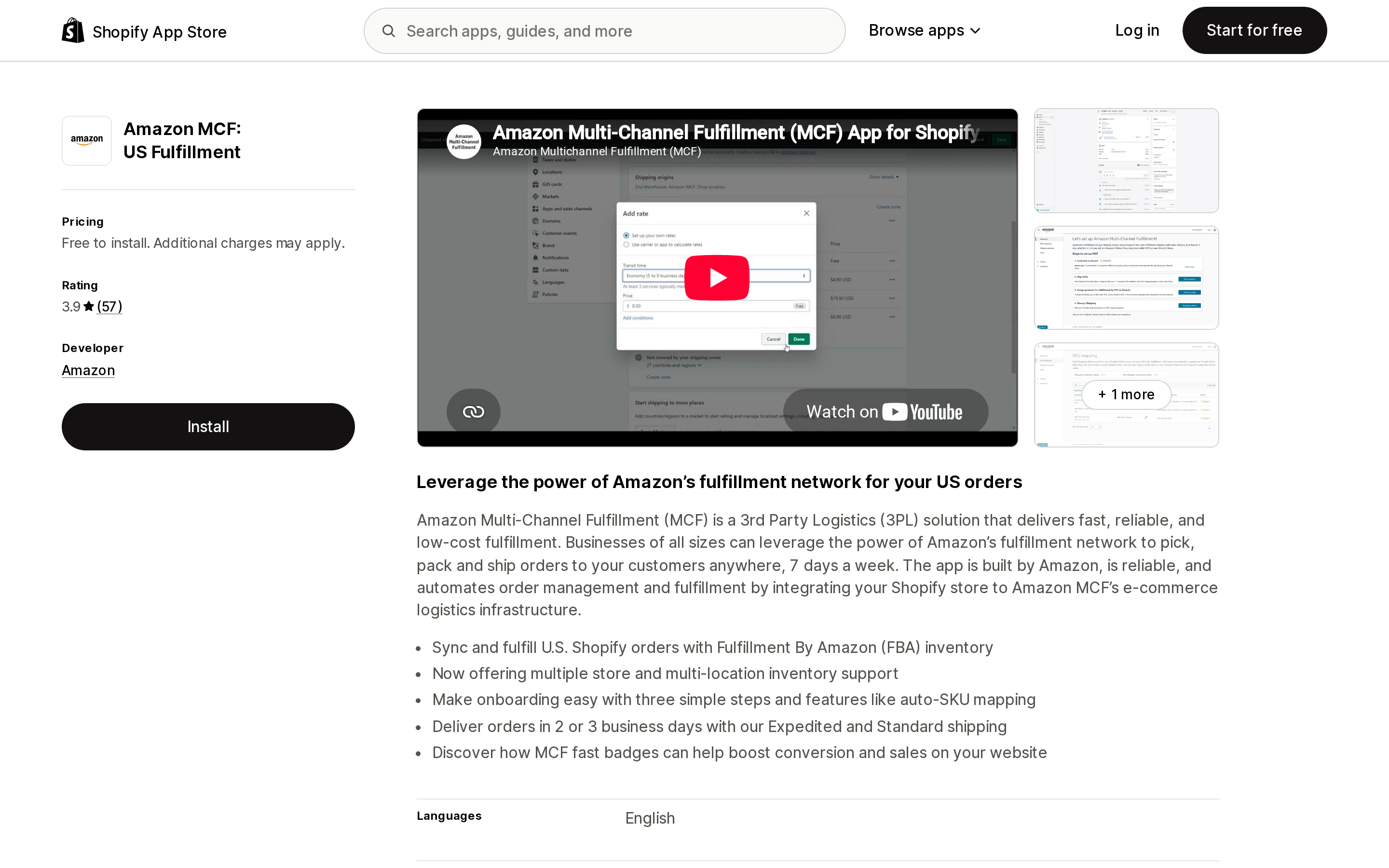
Source: Shopify App Store (Amazon MCF: US Fulfillment), retrieved September 5, 2026
Amazon MCF: US Fulfillment launched October 26, 2022 and is listed under an Amazon developer profile at 501 Fairview Ave N, Seattle. It is free to install, rated 3.9 from 57 reviews, and creates a fulfillment location Amazon's migration guide refers to as Amazon MCF.
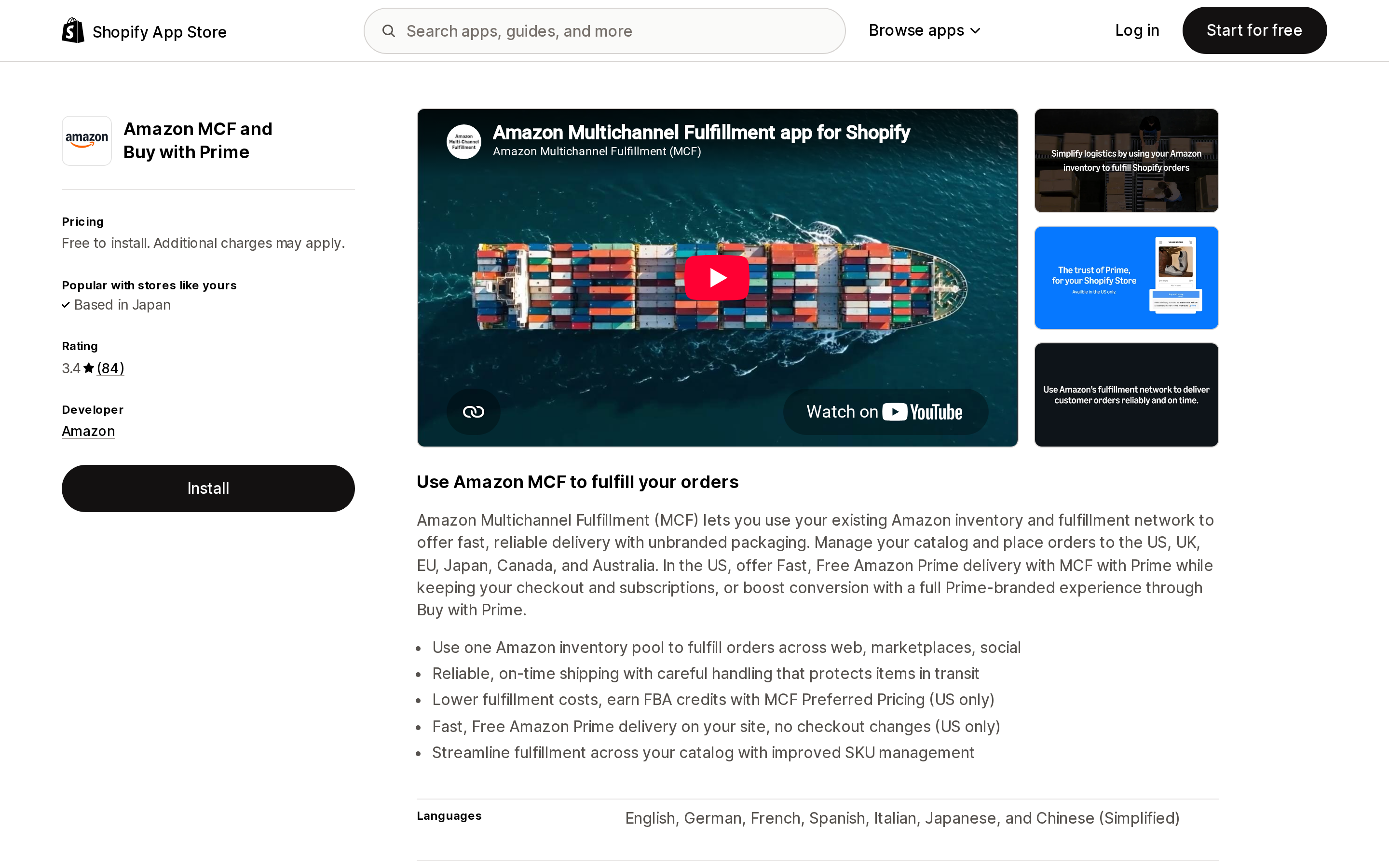
Source: Shopify App Store (Amazon MCF and Buy with Prime), retrieved September 5, 2026
Amazon MCF and Buy with Prime launched July 14, 2023 under a separate Amazon profile at 410 Terry Ave N. It is also free to install, rated 3.6 from 78 reviews — 67% five stars and 19% one star, which is a wider spread than the average suggests — and its location is named Amazon Fulfillment.
That naming difference is the migration's sharpest edge. Amazon's guide tells you to install the new app first, then go to Settings → Shipping and delivery → Order routing and, using the ranked locations rule, rank Amazon Fulfillment above Amazon MCF. Until you do, you have two Amazon-backed fulfillment locations competing for the same physical inventory, and Shopify will route by whatever ranking already exists.
The rest of Amazon's documented migration path is short: export your SKU mapping from the old app (Manage product catalog → Update using CSV → Download CSV, selecting both mapped and unmapped), upload that CSV into the new app after onboarding, place test orders to confirm mapping, routing, and shipping-speed settings, and only then uninstall the old app.
One caution from the review evidence rather than the documentation: a WebBee review dated May 27, 2026 describes what happened when two MCF apps ran simultaneously on one store — orders stopped being marked as fulfilled and invoices stopped sending until one app was removed. Overlap is the risky state, so keep the test window short and deliberate.
What the replacement app does not do
The new app is free, Amazon-built, and adequate for a straightforward US operation. Amazon's own FAQs also document four limits that decide whether it is enough for yours.
Returns are not handled in the app. Amazon states plainly that MCF returns "aren't directly supported" through the Shopify app. You process the refund in Shopify, and if you want the unit back in the fulfillment center you follow Amazon's separate MCF return process. Return postage is not covered by Amazon.
It does not calculate shipping rates. The app maps your existing Shopify shipping options to MCF ship speeds — Standard delivers in 3 business days, Expedited in 2 — but the rates the customer sees are whatever you typed into the shipping profile for the Amazon Fulfillment location. If Amazon's fulfillment fee for a heavy SKU exceeds the flat rate you set two years ago, nothing in the app will tell you.
SKU mapping is one at a time. Amazon's FAQ says there is "no option to map SKUs in bulk," and mapping is manual for any SKU whose Shopify value differs from its Amazon value. Note the wrinkle: the CSV upload in the migration instructions exists for moving mapping from the old app, not as an ongoing bulk-editing tool. If you add hundreds of SKUs a quarter, price that clerical work.
Fulfillment fees are invisible in Shopify. Amazon directs you to Seller Central — Reports → Payments → All statements, then column O of the downloaded file — to see what each MCF order cost. Your Shopify order screen shows the shipment; your margin lives in a spreadsheet on another site.
Two hard operational ceilings sit underneath all of that. MCF accepts orders of up to 250 units and 100 unique SKUs; larger orders must be split and resubmitted. And MCF fulfills only from stock physically available in fulfillment centers — inbound inventory is not counted, so a replenishment in transit does not keep your product sellable.
Nobody agrees on which countries the official app covers
This is the claim to verify against your own market rather than trusting any single page, because three official sources say three different things as of today.
- Shopify's Help Center limits the service to "merchants fulfilling orders in the United States" and "customers with US addresses," and points merchants who need MCF elsewhere to third-party apps.
- Amazon's user guide FAQ says the app "only supports the US, UK, Canada, Mexico, Germany, France, Italy, Spain, and India," and points merchants in Japan or Australia to third-party integrations, WebBee and ByteStand among them.
- The app's own App Store listing says you can "manage your catalog and place orders to the US, UK, EU, Japan, Canada, and Australia."
The user guide is the most specific and most recently maintained of the three, so treat it as the working answer — but if your business depends on a particular marketplace, confirm inside the app before you uninstall anything.
Buy with Prime, the Prime-branded delivery experience bundled into the same app, is consistently described as US-only across all three sources.
The Amazon Logistics setting that costs you money either way
MCF picks the carrier, and that carrier is often Amazon Logistics (AMZL). Some channels won't accept AMZL deliveries — Walmart Marketplace is Amazon's own example — so the app lets you block it.
The details matter. Blocking is available only in the US and Canada, carries a surcharge that Amazon says it is "temporarily waiving," and is applied per order using an MCF_BLOCK_AMZL tag that must be added before fulfillment is requested. To use it at all you have to turn off automatic fulfillment for the whole store and reintroduce the automation through Shopify Flow. And blocking AMZL disqualifies the order from MCF with Prime, because Prime delivery requires Amazon Logistics.
So a store that wants Prime speed on DTC orders and non-AMZL delivery on marketplace orders needs a Flow with conditions rather than a global setting. That is achievable, but it is a workflow project, not a checkbox.
Where the paid connectors earn their fee
Amazon's own FAQ points merchants to third-party integrations for cases its app doesn't cover. Two of them dominate the category by review volume.
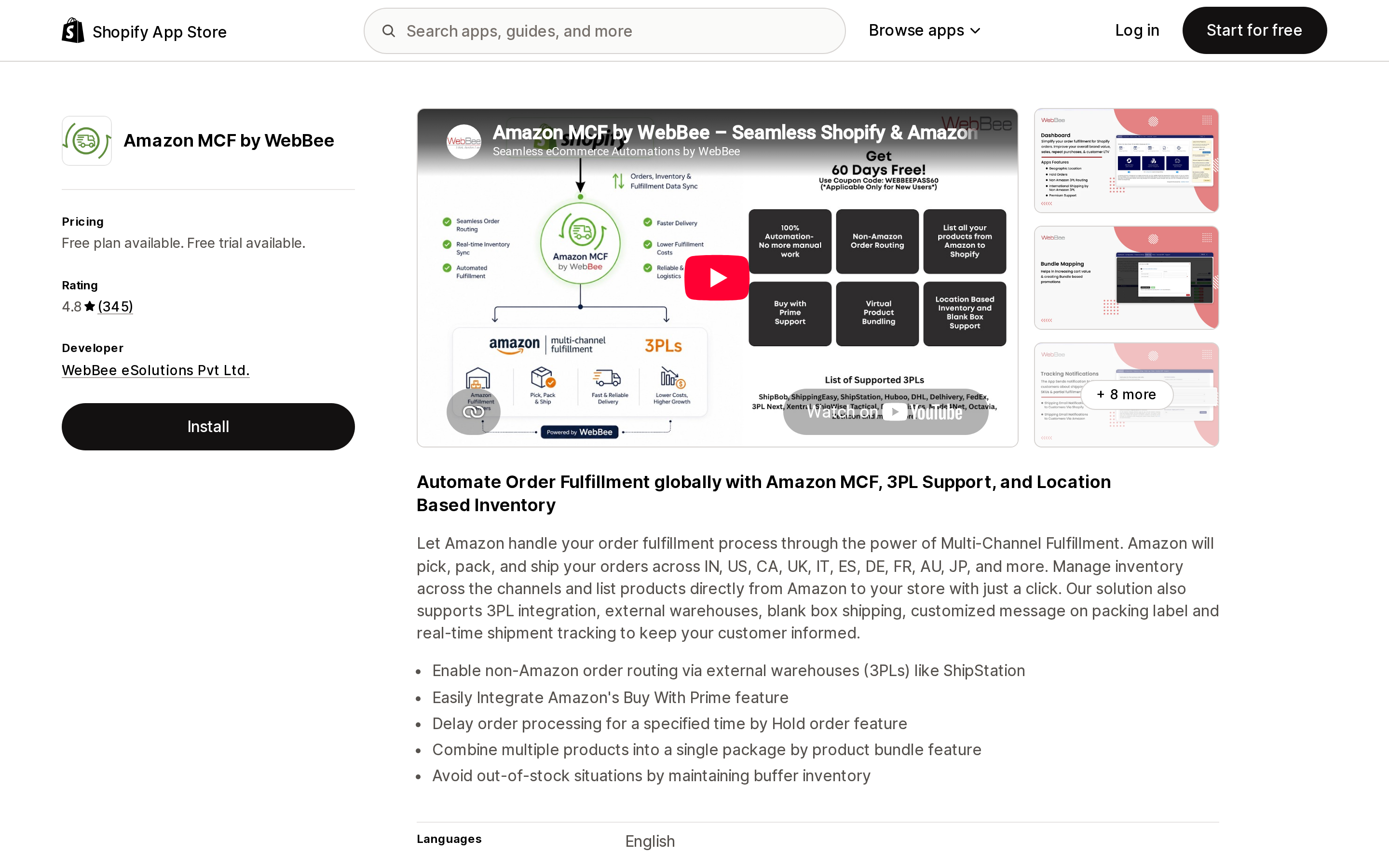
Source: Shopify App Store (Amazon MCF by WebBee), retrieved September 5, 2026
Amazon MCF by WebBee, from WebBee eSolutions Pvt Ltd., launched March 17, 2018 and is rated 4.8 from 338 reviews. It is the only paid connector here with a free tier: Free covers 50 orders per month, Pay as You Go is $5/month for 50 orders then $0.03 per additional order, and FAN Plan is $95/month for 5,000 orders then $0.03 per order. Paid plans include a 14-day free trial. The listing states support for order routing to external warehouses and 3PLs such as ShipStation, blank box shipping, product bundling, buffer inventory, a hold-order delay, and Shopify Flow compatibility.
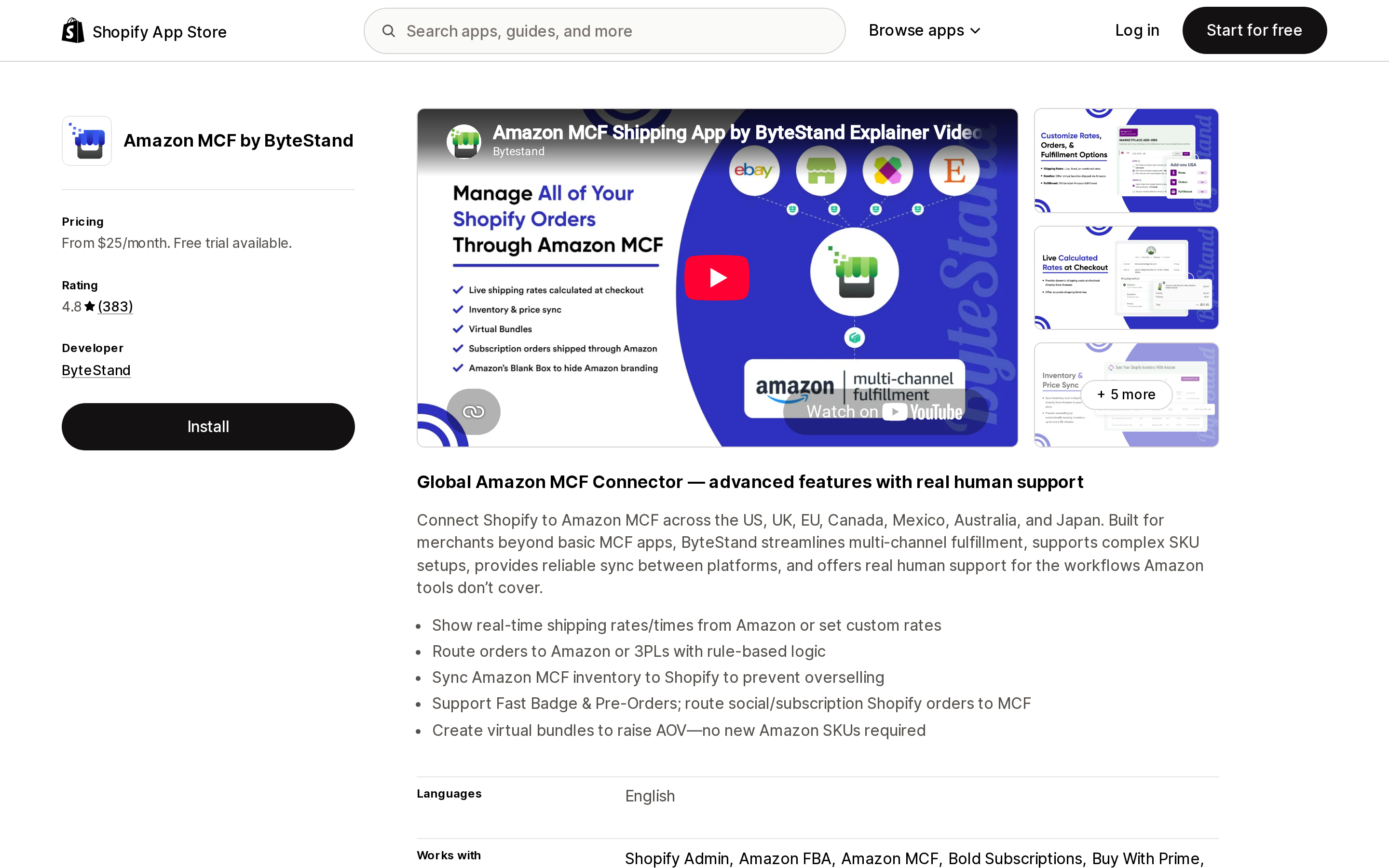
Source: Shopify App Store (Amazon MCF by ByteStand), retrieved September 5, 2026
Amazon MCF by ByteStand, from ByteStand in Charlotte, NC, launched June 30, 2016 and is rated 4.8 from 383 reviews. Pricing is flat and order-unlimited: Starter $25/month with fixed shipping costs, Scale $35/month with live Amazon shipping rates, Pro $45/month with both, each with a 14-day trial. Every plan notes that "many additional features [are] priced per feature," so treat the headline number as a floor. The listing covers the US, UK, EU, Canada, Mexico, Australia, and Japan, and calls out live MCF rates at checkout, rule-based routing between Amazon and 3PLs, virtual bundles that need no new Amazon SKU, and routing of subscription orders from Recharge or Bold Subscriptions into MCF.
Two features on that list map directly onto gaps documented above: live rates answer the official app's refusal to calculate them, and subscription routing matters because Amazon's app has no concept of a recurring order.
What the app actually costs at your order volume
Free is not free above 50 orders, and unlimited is not cheap below 700. Using the published rates:
| Monthly MCF orders | WebBee (Pay as You Go / FAN) | ByteStand Starter | ByteStand Pro | Amazon MCF and Buy with Prime |
|---|---|---|---|---|
| 50 | $0 (Free plan) | $25 | $45 | $0 |
| 250 | $11.00 | $25 | $45 | $0 |
| 750 | $26.00 | $25 | $45 | $0 |
| 2,000 | $63.50 | $25 | $45 | $0 |
| 5,000 | $95.00 (FAN) | $25 | $45 | $0 |
App fees only; Amazon's per-unit MCF fulfillment fees are billed separately in every column, including the free ones.
The crossover sits around 717 orders per month against ByteStand Starter and around 1,383 against Pro. Below those points WebBee's metered pricing is cheaper; above them ByteStand's flat fee is, and the gap widens with volume. At 5,000 orders WebBee's FAN Plan costs $95 against ByteStand's $45 — which is only a real comparison if you need what the extra tier includes.
How to choose
Stay with the official app if: you fulfill US orders to US addresses, your SKU count is stable, you don't need MCF for subscriptions, flat shipping rates cover your fee exposure, and you're willing to read fulfillment costs in Seller Central. It is free, and Amazon's Preferred Pricing — which Amazon describes as up to 15% off MCF fulfillment fees plus up to $1 in FBA credit per MCF unit shipped for eligible sellers — is a program attached to the MCF service rather than to any app, with eligibility conditions set out in Seller Central.
Add WebBee if: you're under roughly 700 orders a month and want metered pricing, or you need to route some orders to a 3PL and some to Amazon, or you want to start on a free tier while you test the migration.
Add ByteStand if: you're above roughly 1,400 orders a month, you need live Amazon rates at checkout instead of guessed flat rates, you fulfill subscription orders through MCF, or you operate in Japan or Australia, which Amazon's own FAQ says its app doesn't cover.
Reconsider MCF entirely if: returns volume is high enough that "process it yourself and pay the postage" is a real cost center, or your brand experience depends on branded packaging — MCF ships unbranded by default, which is a feature for marketplace parity and a limitation for DTC.
Before September 30
- Check which app you're actually on. The old app's location is named Amazon MCF; the new one's is Amazon Fulfillment. Look at Settings → Locations, not at your app list.
- Export the SKU mapping CSV from the old app now, while it still opens. It is the only bulk path into the new app.
- Fix order routing before your first live order, ranking Amazon Fulfillment above Amazon MCF.
- Re-check any Flow that references the location by name. A workflow conditioned on "Amazon MCF" silently stops matching after the switch.
- Test with a real order, then uninstall. Amazon's guide puts uninstalling last for a reason, and the review evidence on running two connectors at once supports it.
One more caution that applies to every migration in this category: a ByteStand review dated September 3, 2026 describes a merchant who enabled a new fulfillment mode, missed three unobvious setup steps, and lost fifteen days of orders before a customer complaint surfaced the problem. Whichever app you land on, verify that orders are reaching Amazon on the day you switch — not the week after.
Sources
- Amazon Supply Chain Services — Multichannel Fulfillment (MCF) and Buy with Prime app for Shopify user guide
- Amazon Supply Chain Services — Multichannel Fulfillment app for Shopify
- Amazon Supply Chain Services — Multichannel Fulfillment (MCF)
- Buy with Prime Knowledge Center — Using MCF without Amazon Logistics
- Shopify Help Center — Multi-Channel Fulfillment by Amazon
- Shopify App Store — Amazon MCF: US Fulfillment
- Shopify App Store — Amazon MCF and Buy with Prime
- Shopify App Store — Amazon MCF by WebBee
- Shopify App Store — Amazon MCF by ByteStand
All pricing, ratings, review counts, and the September 30, 2026 deactivation date were read from the English (US) sources above on September 5, 2026 and change without notice.
Shopify added a Bin name column to the inventory CSV on August 25, 2025. It holds one bin per variant per location, it is created only by CSV import, and it prints on Order Printer pick lists. What it does not do is leave Shopify. Shopify staff confirmed on the developer forum in October 2025 and again in January 2026 that there is no public API access to the field, and the developer forum was still reporting the gap in June 2026. That single fact shapes the whole category: EasyScan and iPacky store bins in metafields, Bins-USA and ShelfPilot store them in their own databases, and a free app called Simple Bin Locations copies metafield bins into order notes so packing slips can show them. Shopify's own multi-bin model, with per-bin quantities and an unbinnedQuantity field, exists today only as a feature preview on development stores. Pricing, plan gates, and where each app keeps the bin data, verified on the Shopify App Store, the Shopify Help Center, shopify.dev, and the Shopify community forums on September 18, 2026.